AI Makes Your Home Security Way Smarter (And Easier to Use)
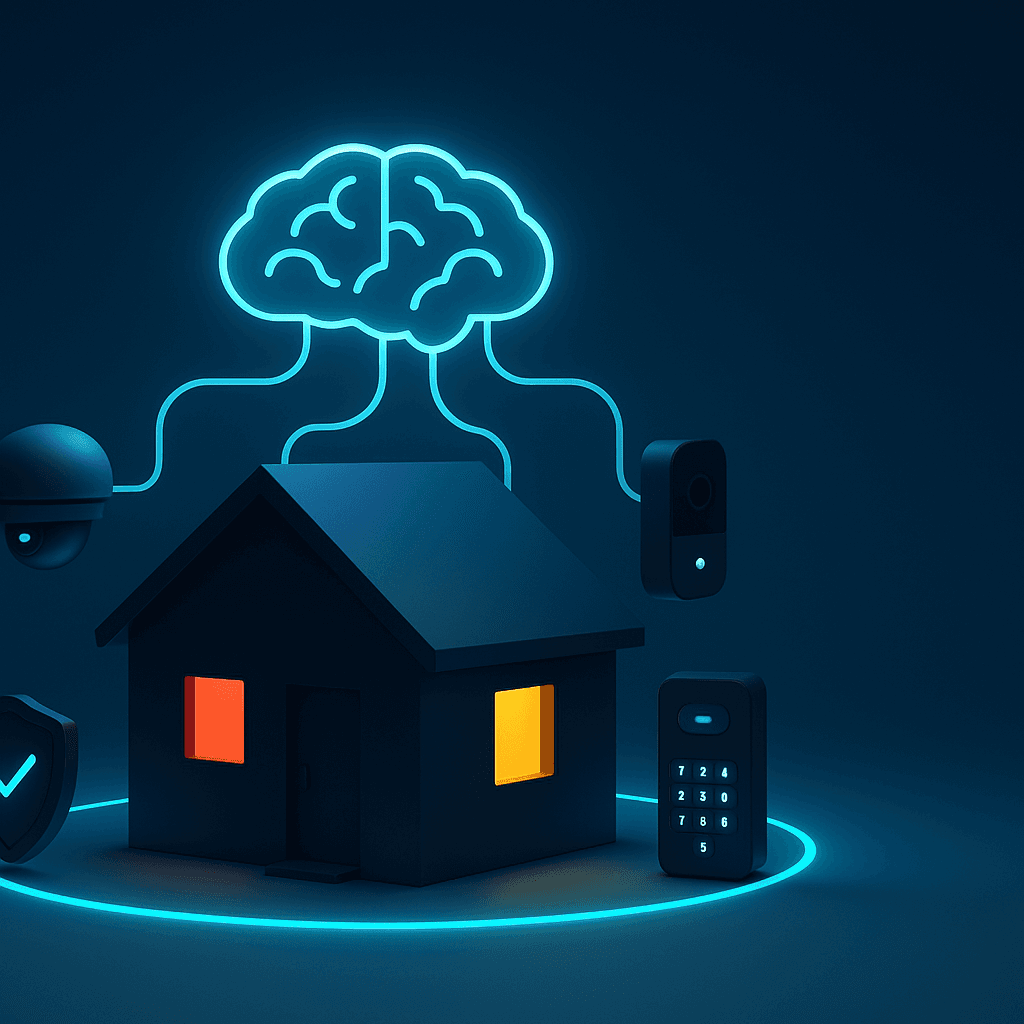
AI Makes Your Home Security Way Smarter
If you have a home security system, you know the problems:
❌ Constant false alarms (every time a car passes or dog walks by) ❌ Can't tell who's at the door until you check camera ❌ Complicated to set up and control ❌ Recordings don't help find what you're looking for
AI-powered home security fixes all of this.
Here's what's actually different and whether it's worth it for you.
The Quick Summary
What AI home security does better:
✅ Fewer false alarms - AI knows the difference between your neighbor's cat and an actual person ✅ Recognizes people - "That's your Amazon driver" vs. "Unknown person at your door" ✅ Voice control - "Show me who's at the front door" instead of opening an app ✅ Smart alerts - Only notifies you about things that matter ✅ Easy setup - Talk to set things up, no complicated menus
What this means for you:
- Check your home from anywhere by just asking
- Get notified when your packages arrive (and if someone takes them)
- Control everything hands-free while cooking or busy
- Actually useful recordings instead of hours of nothing
Keep reading to see how it works and real examples.
The Big Difference: AI Actually Understands What's Happening
Old Security Systems
How they work:
- Motion detected → Record video → Send alert
- Problem: Can't tell what caused the motion
Your experience:
- 50 alerts per day (95% are nothing)
- Check every single one manually
- Miss important alerts in the noise
- Complicated to find anything later
AI Security Systems
How they work:
- Motion detected → AI looks at what's happening → Only alerts if it matters
Your experience:
- 2-3 alerts per day (things that actually matter)
- AI tells you what happened: "Package delivered" or "Unknown person at door"
- Find any moment instantly: "Show me when the Amazon truck came yesterday"
- Control everything by talking
Real example:
Tom (Homeowner): "My old security cameras sent me 40+ alerts every day—squirrels, cars, neighbors walking their dog. I turned off notifications because it was useless. Now AI only alerts me to actual people approaching my house. I get maybe 3 alerts per day and they're all things I care about."
What AI Home Security Can Actually Do
1. Recognizes Who's at Your Door
The feature: AI can learn faces and tell you who's there
How it helps you:
Family members:
- "Sarah just got home from school" (no alert needed)
- AI learns your family's faces automatically
Regular visitors:
- "Your Amazon delivery driver is here" (expected, low priority)
- "Your cleaning service arrived" (you scheduled this)
Unknown people:
- "Unknown person at front door" (high priority alert with video)
Real example:
Lisa (Mom of 3): "I work from home and used to get interrupted 20 times a day by camera alerts. Now AI only alerts me when it's someone we don't know. When my kids get home, I get a quick notification but it doesn't interrupt me. Total game-changer."
2. Protects Your Packages
The problem: 1.7 million packages stolen every day in the US
How AI helps:
Package arrival:
- AI sees delivery truck pull up
- Recognizes package being placed
- Notifies you: "Amazon package delivered to front door"
Package monitoring:
- AI watches your package
- If someone other than you takes it: High-priority alert with video
- If you take it: No alert
Theft response:
- Captures clear video of thief
- Can sound alarm: "This is video surveillance"
- Gives you evidence for police report
Real example:
Mike (Online Shopper): "I had 3 packages stolen last year. Got AI security cameras and haven't had one stolen since. The system even told me 'Unknown person is approaching your package' once and I was able to talk through the camera to scare them off."
3. Easy Voice Control
Old way:
- Find your phone
- Open security app
- Navigate menus
- Find the right camera
- View
New way: Just say: "Hey Google, show me the front door"
Things You Can Ask
Checking cameras:
- "Show me the backyard camera"
- "Is anyone at the front door?"
- "Let me see the driveway"
Finding moments:
- "Did any packages arrive today?"
- "Show me who rang the doorbell this morning"
- "Was anyone here while I was gone?"
Controlling security:
- "Lock all the doors"
- "Turn on vacation mode"
- "Let me know if anyone comes by"
Real example:
Rachel (Busy Parent): "I'm constantly cooking or dealing with kids when doorbell rings. Being able to just yell 'Hey Google, who's at the door?' while my hands are full is amazing. Way better than trying to open my phone."
4. Smart Alerts That Don't Annoy You
Old security systems:
- Alert every time anything moves
- All alerts look the same (equally urgent)
- Can't tell what's important
AI security:
- Only alerts for things that matter
- Different alert types (urgent vs. FYI)
- Tells you what's happening
Alert types:
🔴 Urgent: "Unknown person trying door handle" 🟡 Important: "Package left on porch" 🟢 FYI: "Mail carrier delivered mail" ⚪ No alert: Family member came home
Real example:
David (Work from Home): "I turned off my old security notifications because they were constant. With AI, I only get a few alerts per day and every single one is something I want to know about. The system learns what I care about."
Real Ways People Use AI Home Security
Check on Kids/Pets While Away
The situation: You're at work, want to check if kids got home safely
What you do:
- Ask: "Did anyone come home?"
- AI shows: "Alex arrived at 3:15 PM" with quick video clip
- You get peace of mind in 5 seconds
Or with pets:
- "Show me the living room"
- See your dog is sleeping peacefully (not destroying furniture)
Monitor Elderly Parents
The situation: Parent lives alone, you worry about safety
What AI does:
- Learns parent's normal routine
- Alerts if something unusual happens
- Very private (no constant watching)
Example alerts:
- "No morning activity detected" (might indicate a fall)
- "Front door opened at 2 AM" (confusion/wandering)
- "Unknown person entered home" (possible scam or intruder)
Real example:
Sarah (Daughter): "My 82-year-old mom lives alone. The AI security gives me peace of mind without being invasive. It alerts me if something unusual happens but otherwise respects her privacy. Once it alerted me when her door was open at midnight—she had sleep-walked. I was able to call her and make sure she was okay."
Vacation Home Monitoring
The situation: Second home sits empty most of the year
What AI does:
- Knows the home should be empty
- Alerts to ANY human activity
- Watches for problems (leaks, break-ins, damage)
You get alerts for:
- Anyone entering property
- Windows/doors opened unexpectedly
- Water damage or smoke
- Even weather damage to roof/windows
Bonus feature: AI can make house look occupied while you're gone (lights turn on/off naturally)
Small Business Security
The situation: Small shop needs security but can't afford security guard
What AI does:
- Watches for shoplifting behavior (not just motion)
- Verifies employees followed closing procedures
- Provides evidence for insurance claims
Real example:
Local Coffee Shop Owner: "AI security saved me $8,000 in stolen merchandise last year. It catches shoplifting patterns my staff might miss, and the video evidence helped us get reimbursement from insurance for a break-in."
How Much Does This Cost?
Basic Setup ($300-500)
- 1 doorbell camera
- 1-2 outdoor cameras
- 1 smart lock
- Voice assistant (Google/Alexa)
Good for: Apartments, small homes, basic coverage
Complete Setup ($1,500-2,500)
- 4-6 cameras (full home coverage)
- Smart doorbell
- Multiple smart locks
- Motion/door sensors
- Smart lights that respond to security events
Good for: Full home protection, families
Subscription ($8-20/month)
Most AI features require subscription:
- Video storage (see past recordings)
- Face recognition
- Smart alerts
- Longer video history
Worth it? Most people say yes for peace of mind
Compare to Traditional Security
| Feature | Traditional | AI Security | |---------|------------|-------------| | False alarms | 50+ per day | 2-3 per day | | Recognizes people | ❌ No | ✅ Yes | | Voice control | ❌ No | ✅ Yes | | Setup | Technician needed | DIY (plug in) | | Monthly cost | $30-60 | $8-20 | | Contracts | 2-3 years | Cancel anytime | | Self-monitoring | ❌ No | ✅ Yes |
AI wins on almost everything - especially flexibility and cost
Privacy Questions Answered
"Can AI see everything in my home?"
You control the cameras:
- Put cameras only where you want them
- Turn off cameras anytime ("Hey Google, privacy mode")
- Cover cameras with built-in shutters
Best practice: Cameras outside and in common areas only (no bedrooms/bathrooms)
"Does AI save video of my family?"
How it works:
- Face recognition happens locally on camera (not sent to cloud)
- You control if/when video is saved to cloud
- Delete any recordings anytime
- Your face data never shared with anyone
"What if someone hacks my cameras?"
Security measures:
- Two-factor authentication required
- All video encrypted
- Automatic security updates
- You get alerts if unusual access attempts
Your part: Use strong passwords and enable two-factor authentication
"Is this legal?"
Generally yes, with rules:
- ✅ Can record your own property
- ✅ Can record public areas visible from your property
- ❌ Cannot record areas where people expect privacy (bathrooms, bedrooms)
- ⚠️ Check local laws about audio recording (some states require consent)
For rentals (Airbnb): Must disclose ALL camera locations in listing
Is AI Home Security Worth It?
✅ Worth It If You:
- Get lots of false alarms now
- Want to check on home while away
- Have packages stolen
- Have elderly parents living alone
- Own vacation home
- Want easier control than apps and menus
⚠️ Maybe Not Worth It If You:
- Live in very secure building with doorman
- Never get deliveries
- Don't care about false alarms
- Already happy with current system
How to Get Started
Step 1: Start Small
Don't buy everything at once.
Month 1: Get doorbell camera + 1 outdoor camera ($200-300)
- See how you like it
- Learn how AI features work
- Decide if you want more
Month 2: Add more if you like it
- More cameras for full coverage
- Smart lock
- Motion sensors
Step 2: Choose Your System
Google (Gemini/Nest):
- Best AI features
- Great voice control with "Hey Google"
- Slightly more expensive
- Best for: People who want the smartest system
Amazon (Ring/Alexa):
- Lower cost
- Works well with Alexa
- Good "neighborhood watch" features
- Best for: Budget-conscious buyers
Apple (HomeKit):
- Best privacy
- Great for iPhone users
- Fewer camera options
- Best for: Apple ecosystem fans
Step 3: Set It Up (Easy!)
Modern systems are DIY:
- Mount camera (screws or adhesive)
- Download app
- Follow setup steps (10 minutes)
- Done!
No technician needed for most setups
Step 4: Teach the AI
Face recognition:
- Take a few photos of family members
- AI learns and recognizes them from then on
- Takes 2 minutes per person
Routines: Just tell the AI what you want:
- "When I say goodnight, lock doors and turn off lights"
- "Alert me if anyone comes by while I'm away"
- AI remembers and does it automatically
Bottom Line
AI home security is:
- ✅ Way fewer false alarms
- ✅ Recognizes who's at your door
- ✅ Easy voice control
- ✅ Affordable (less than traditional security)
- ✅ No contracts
Best for: Anyone who wants better security without the headaches of old systems
Not for: People happy with traditional security or who don't want any smart home tech
Try it: Start with a smart doorbell camera ($100-180). If you like it, expand from there.
Compare AI Options on JustSimpleChat →
Test AI like Gemini, ChatGPT, and Claude to see which answers your questions best about smart home setup
Home security just got smart enough to actually be useful. The best way to see if it's for you? Try a doorbell camera and see the difference.
Related Articles

AI Can Now Understand Images, Videos, and Voice: What This Means for You
AI isn't just text anymore—it can 'see' pictures, watch videos, and understand voice. Here's what you can actually do with these new abilities.

AI Can Create Professional Videos Now: What This Means for Small Businesses
Google's Smart Home Just Got Conversational AI: What This Means for Your Home
Google Nest devices now run Gemini AI - you can have actual conversations with your home instead of rigid voice commands. Here's what changed and whether you should care.